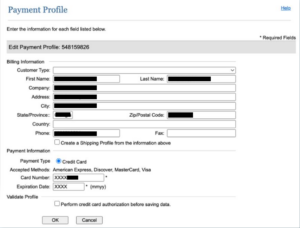
The customer profile in Auth.net allows us to view a customer’s personal information (address, phone number, payment method details) associated with their saved payment method in PeachCourt.com.
(The lack of video references is intentional in this section due to secure payment information.)
Where do we find the customer profile?
- Click Customer Information Manager from the left menu.
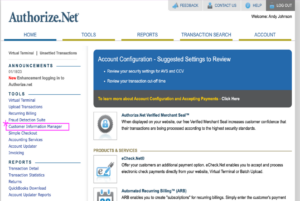
- Select Email from the available dropdown.
- For individuals, search by the primary email address on their PeachCourt.com
- For firm accounts, search by the Organization ID followed by @greencourt.com.
- (Where can we find the organization ID? Click here.)
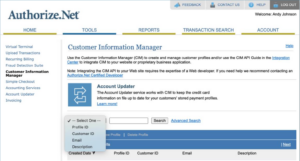
- Click on the hyperlinked Profile ID to open the customer profile.
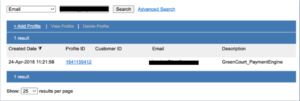
What can we do with the customer profile?
- From the customer profile, we can view the customer’s overall payment history, view the history of a specific payment method, edit the information associated with a specific payment method, and manually charge or refund a specific payment method.
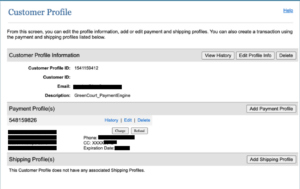
- Viewing a payment history.
- Click View History for a compiled list of all transactions for this customer regardless of payment method used.
- Click History within a specific payment method to view all transactions for that payment method.
- Editing customer information for a specific payment method.
- Click Edit within a specific payment method.
- Edit the customer billing address or expiration date as needed.